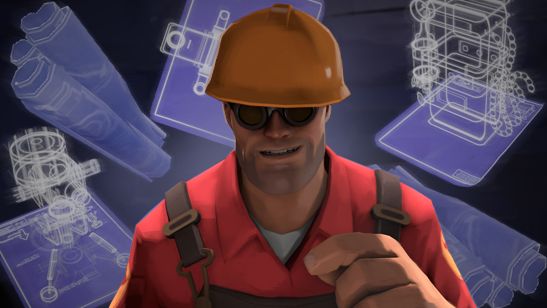
What can I find on SkinShift TF2?
You can browse TF2 hats, skins, war paints, taunts, unusual-style cosmetics, weapon finishes, and loadout items for Scout, Soldier, Pyro, Demoman, Heavy, Engineer, Medic, Sniper, and Spy.
Quick answers for players browsing TF2 hats, war paints, taunts, unusual-style items, weapon skins, and class-focused loadout pieces on SkinShift TF2.
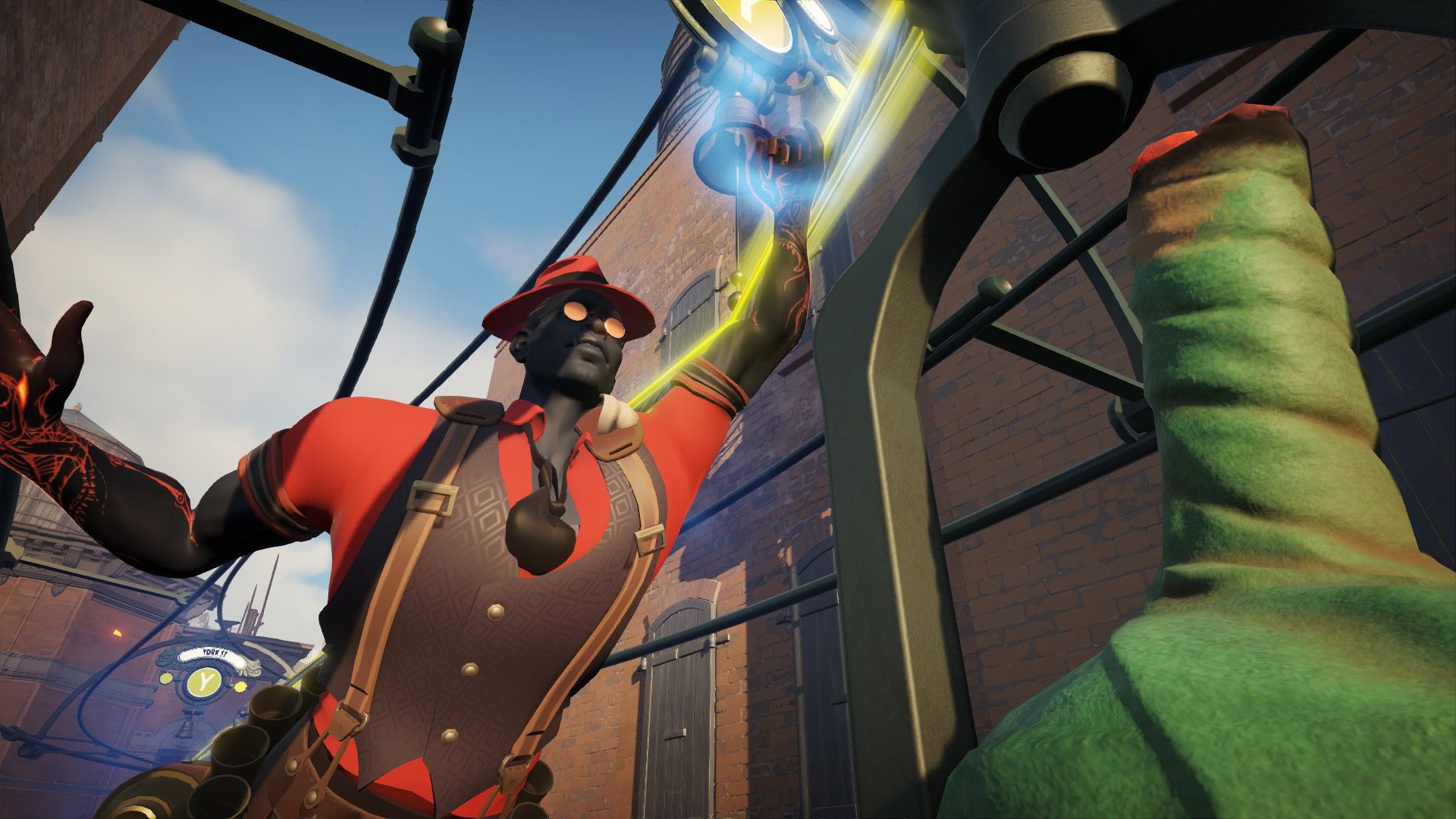
You can browse TF2 hats, skins, war paints, taunts, unusual-style cosmetics, weapon finishes, and loadout items for Scout, Soldier, Pyro, Demoman, Heavy, Engineer, Medic, Sniper, and Spy.
Yes. Use the heart button on product cards to add items to your Wishlist. It is useful when comparing hats, rare styles, weapon skins, or full class loadout ideas before buying.
Instant safe describes a fast and careful platform experience: clear item browsing, readable product pages, secure checkout direction, and a smoother path from discovery to order.
The Sell page is prepared for TF2 item owners who want to start a Steam-connected item flow. Open Sell, follow the form or platform steps, and keep item information accurate.
Players usually look for class-defining hats, unusual-style cosmetics, strong war paints, taunts, and weapon skins that match a specific loadout mood or team color.
Use the Contact Us page or email info@skinshift.net. Include the item name, order details if available, and a short description of your question.